 ALPHA STUDIO
AlphaHuman Studio Standard Edition / LESSON 01
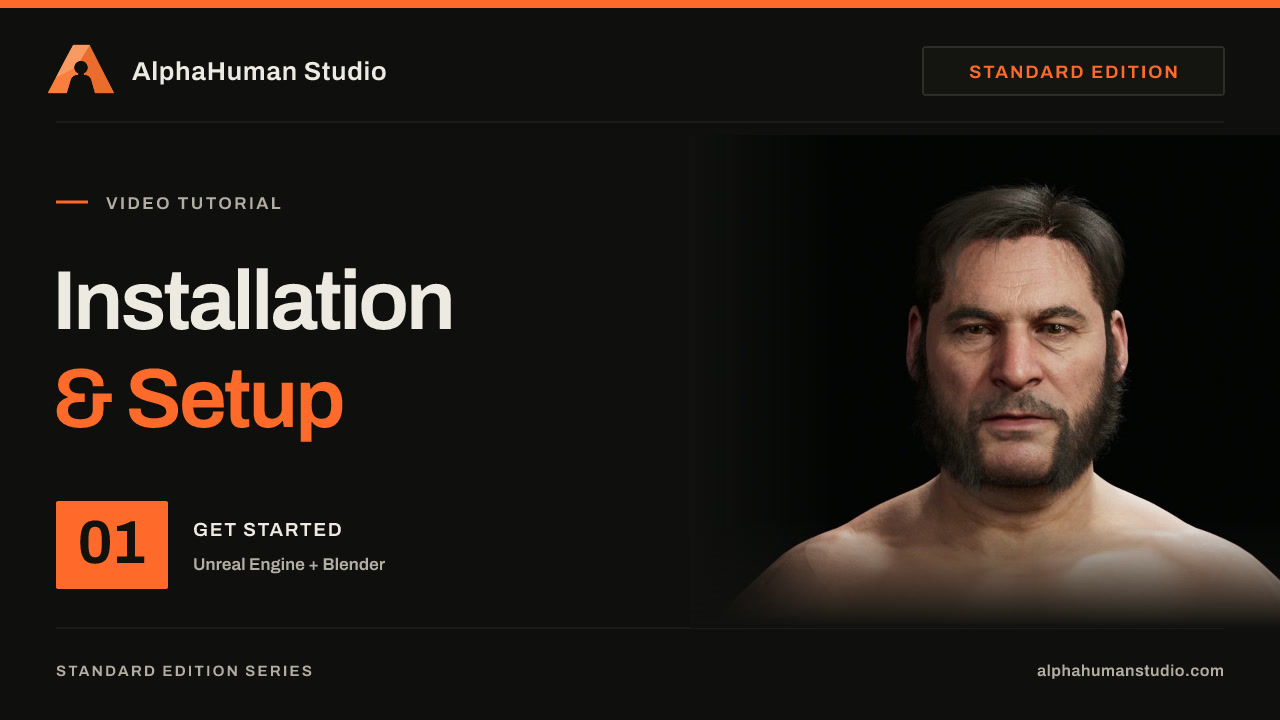
Installation and Setup
Set up Unreal Engine, install the free companion plugin, create your MetaHuman and prepare its DNA, textures, hair and clothes for Blender.
2:37Unreal Engine 5.8English
 2:37
In this lesson
- Install MetaHuman Core Data from the engine version's Launch menu in Epic Games Launcher.
- Create an Unreal Engine project and install the free AlphaHuman Studio companion plugin from Fab.
- Create and open a MetaHuman Character, choose the Bruce preset, and rename the character asset.
- Create the full rig, download texture sources, and assemble the character.
- Prepare the DCC export package and locate the assembled character assets for the Blender workflow.