BEFORE YOU START
Made for your
MetaHuman workflow.
- PLATFORM
- Windows 10 / 11 · 64-bit
- BLENDER
- 5.2 or newer
- UNREAL ENGINE
- 5.8 · MetaHuman plugin
Use MetaHumans you create in Unreal Engine. Characters and asset libraries are not included.
Where do I start?
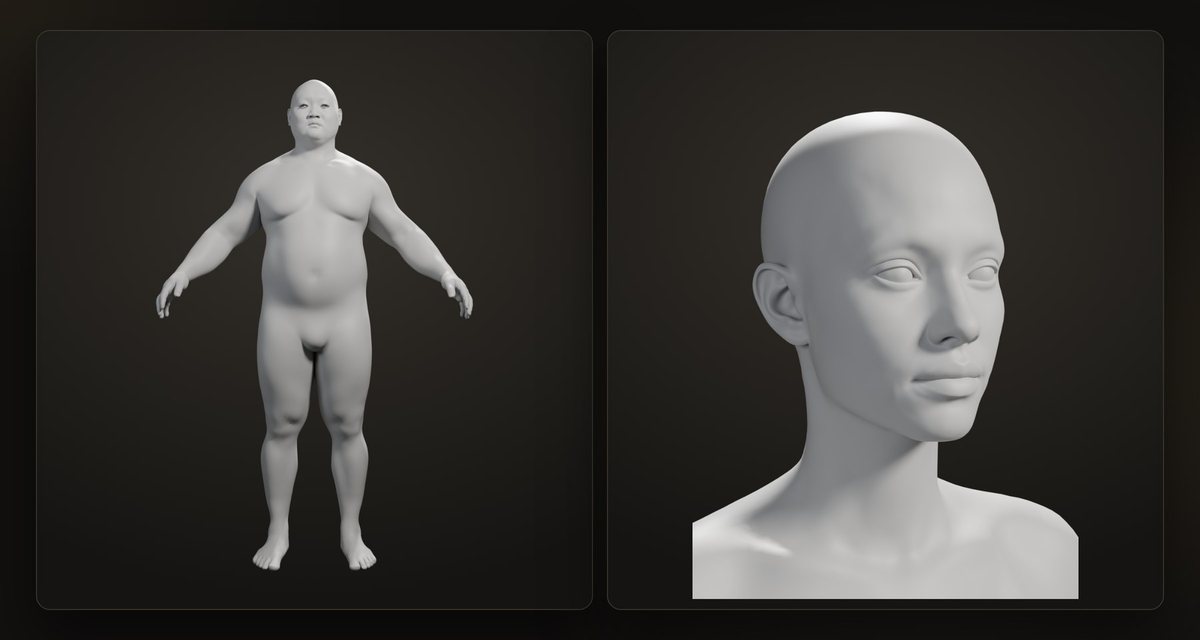
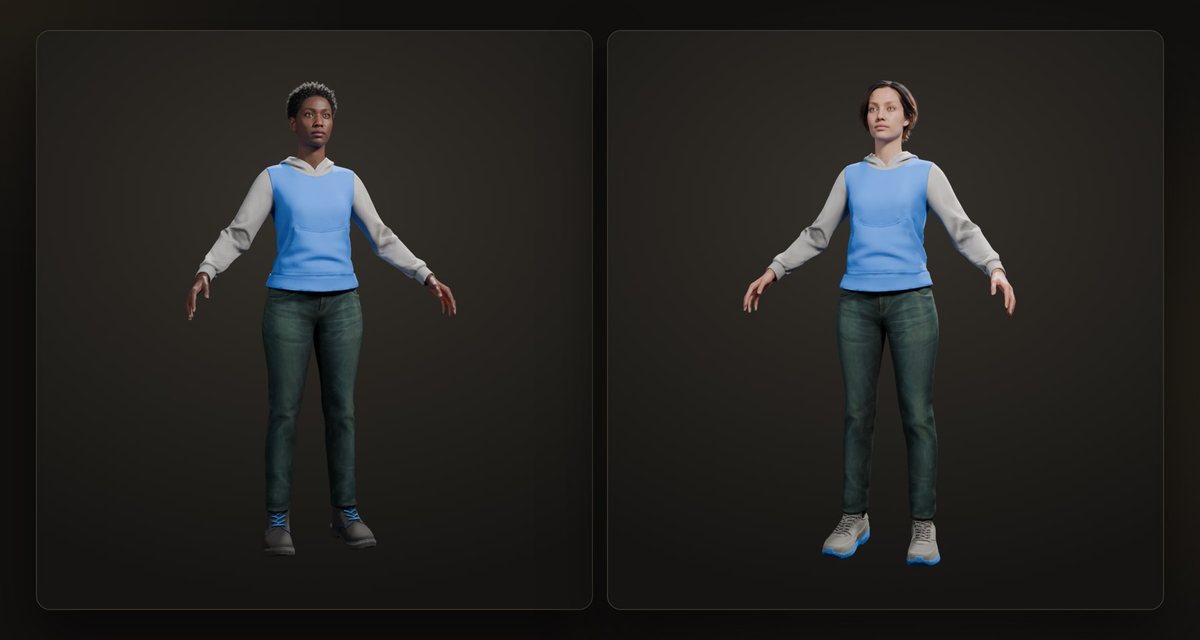
Create a MetaHuman in Unreal Engine 5.8 and export its DNA. Install AlphaHuman Studio Standard in Blender 5.2 or newer. Add our free Unreal companion plugin to export the character's hair and clothes. The Standard manual walks you through the setup.
Does it use the MetaHuman face rig?
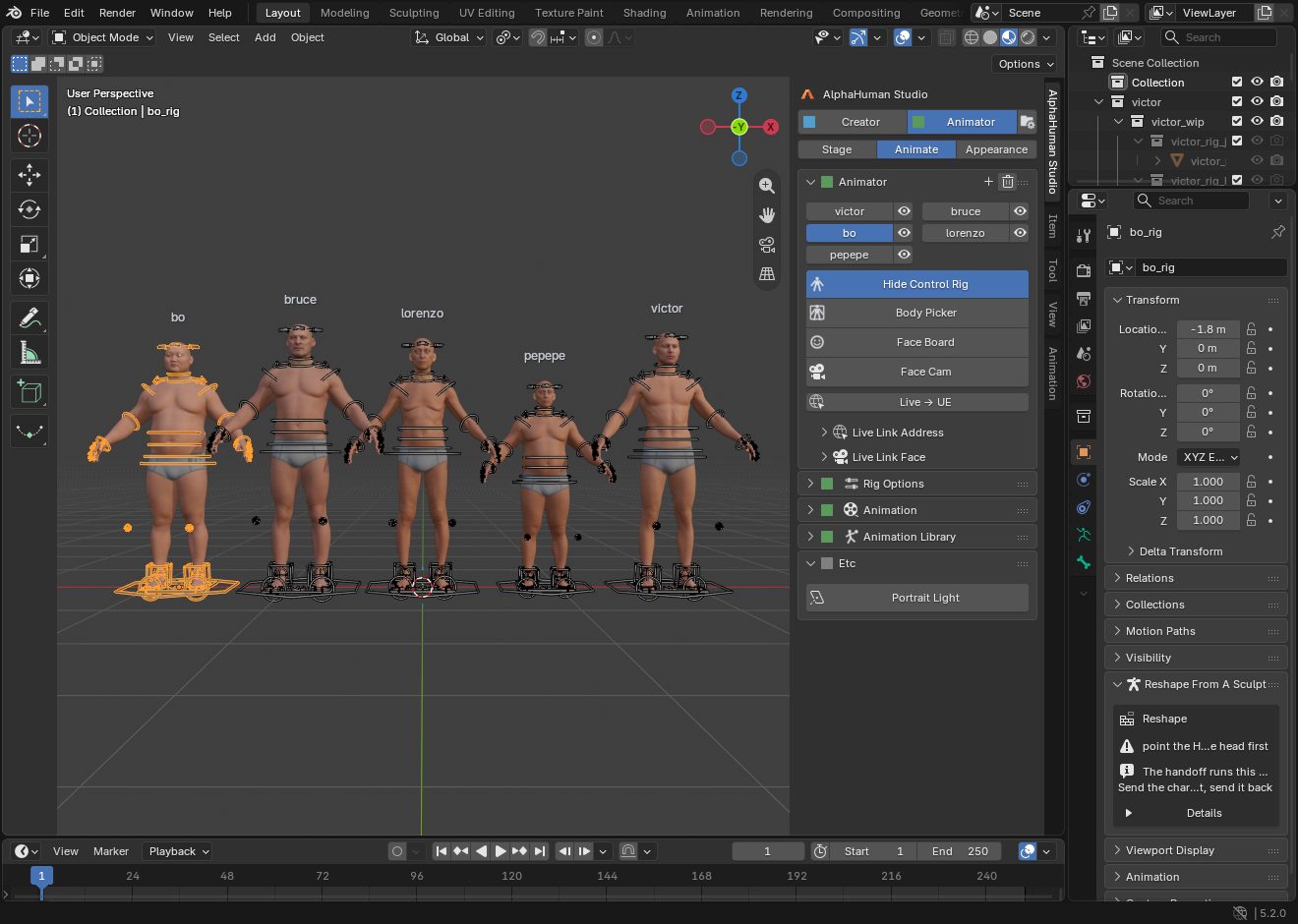
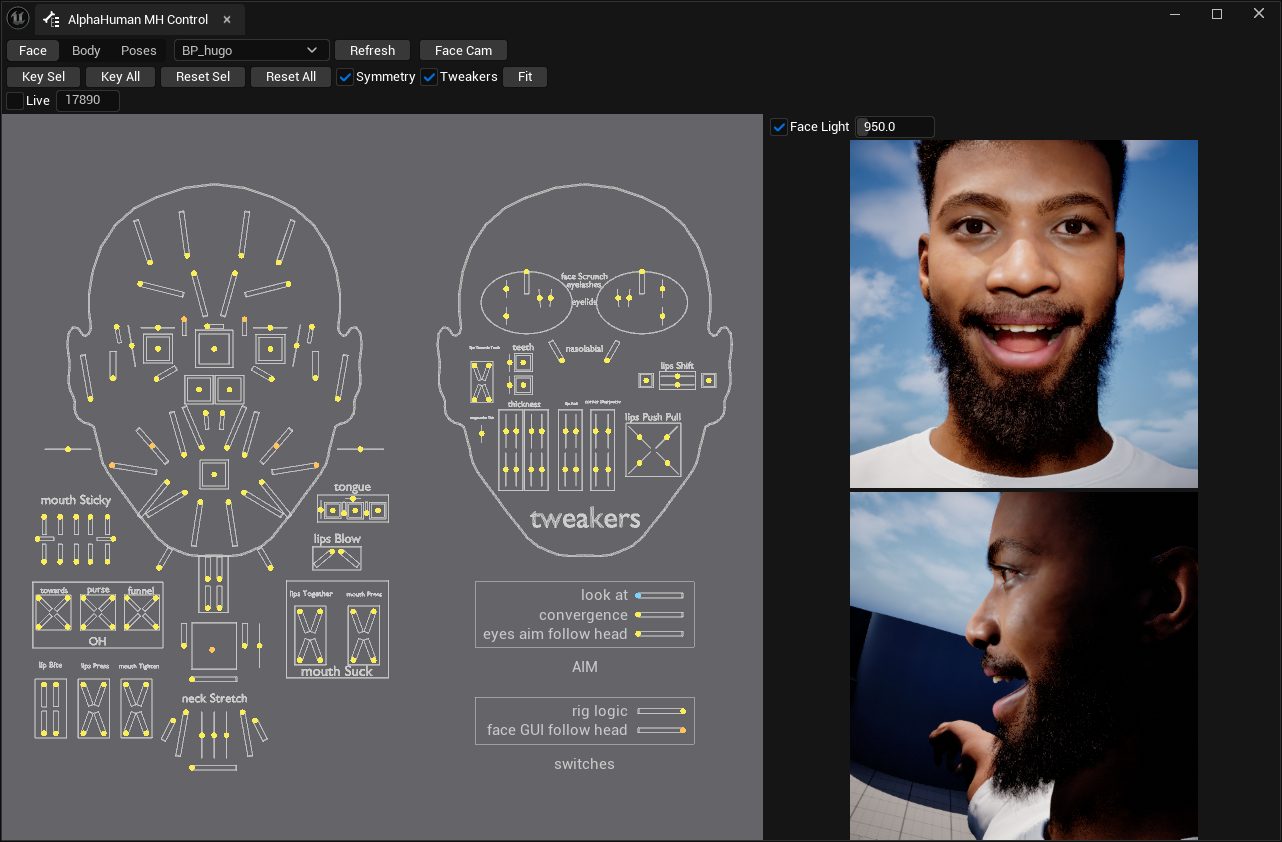
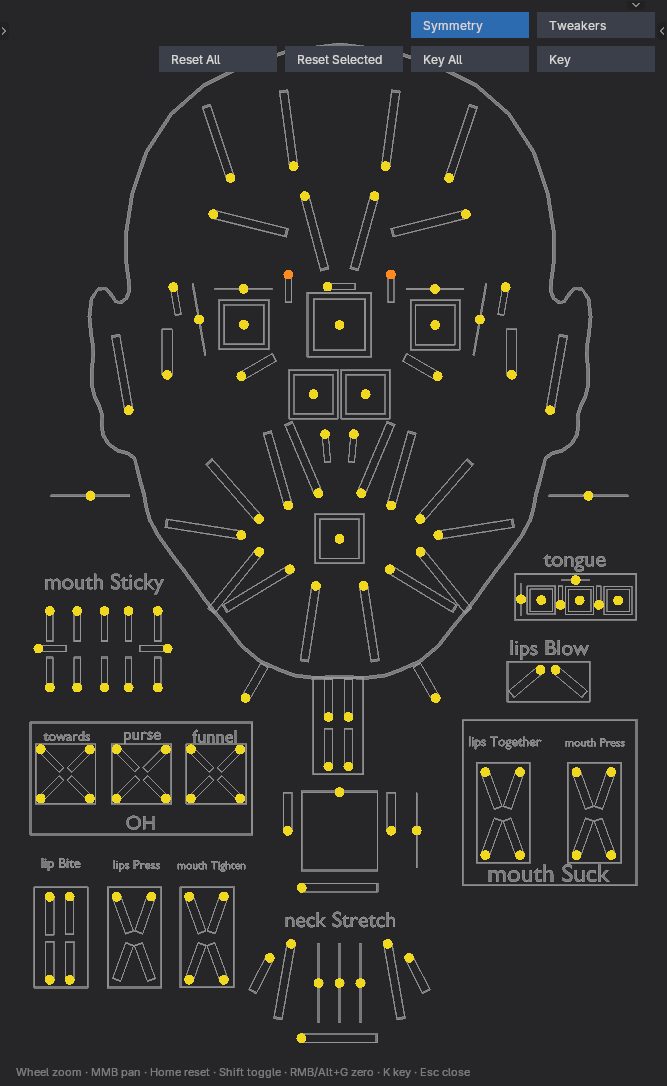
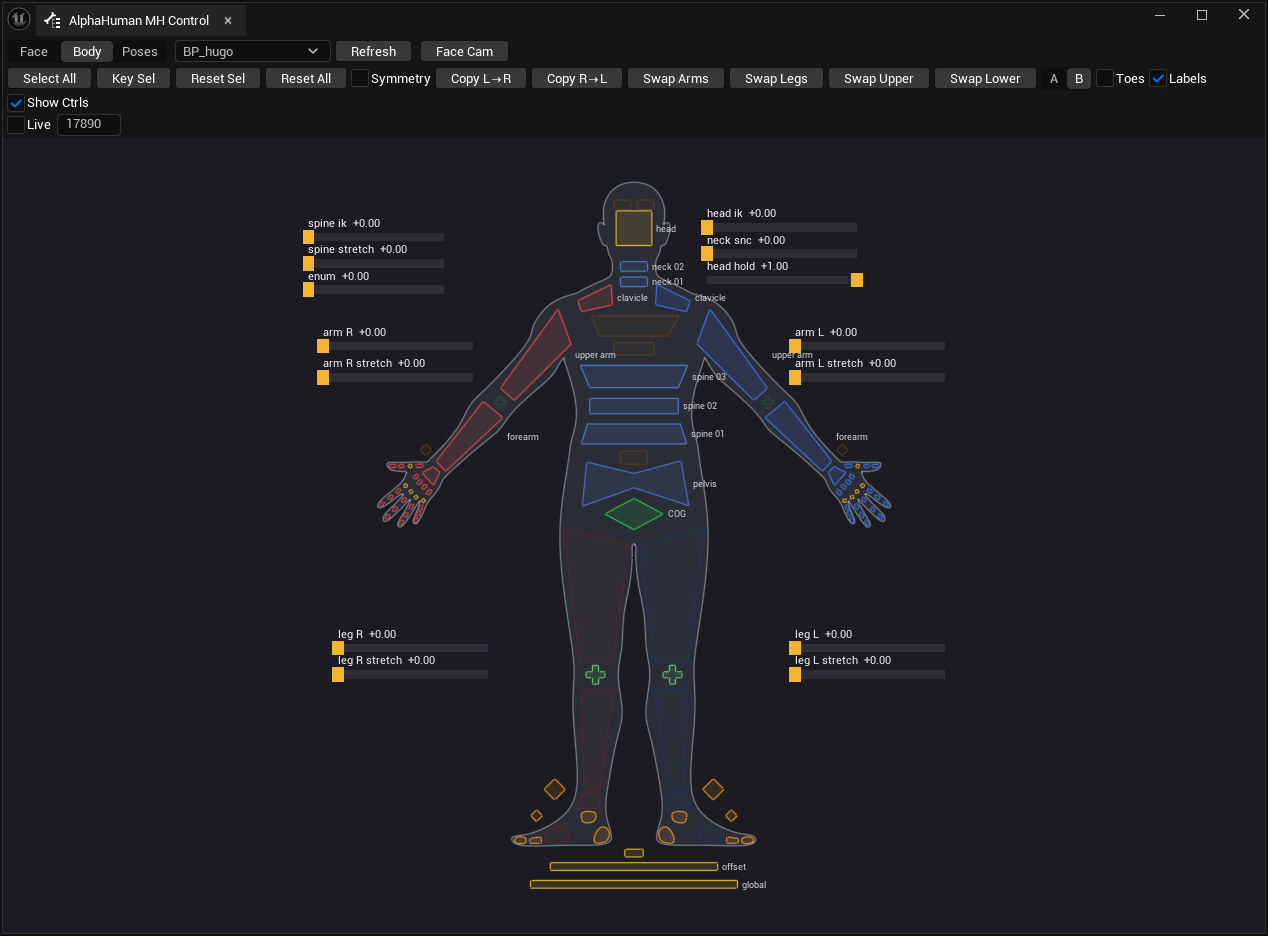
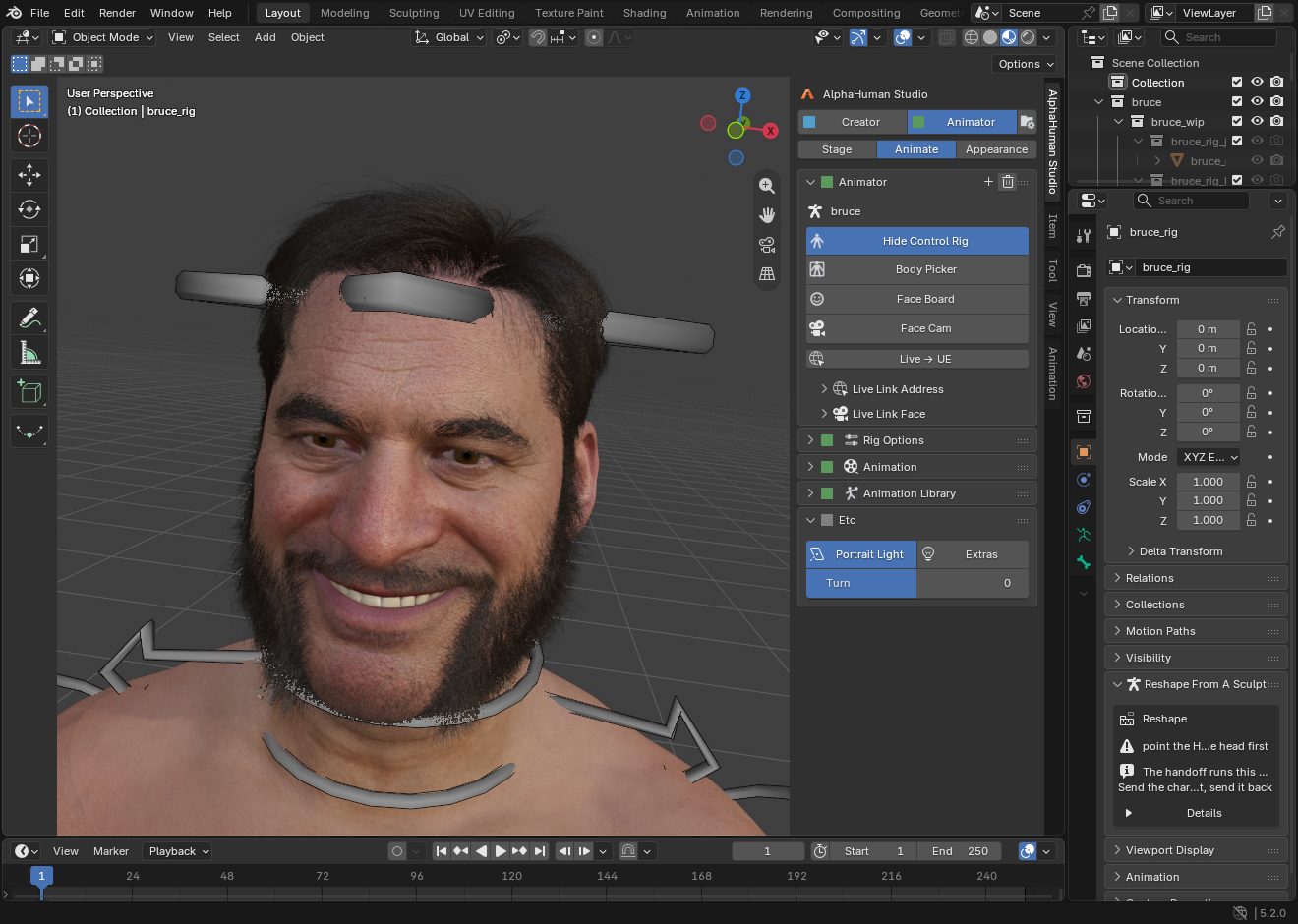
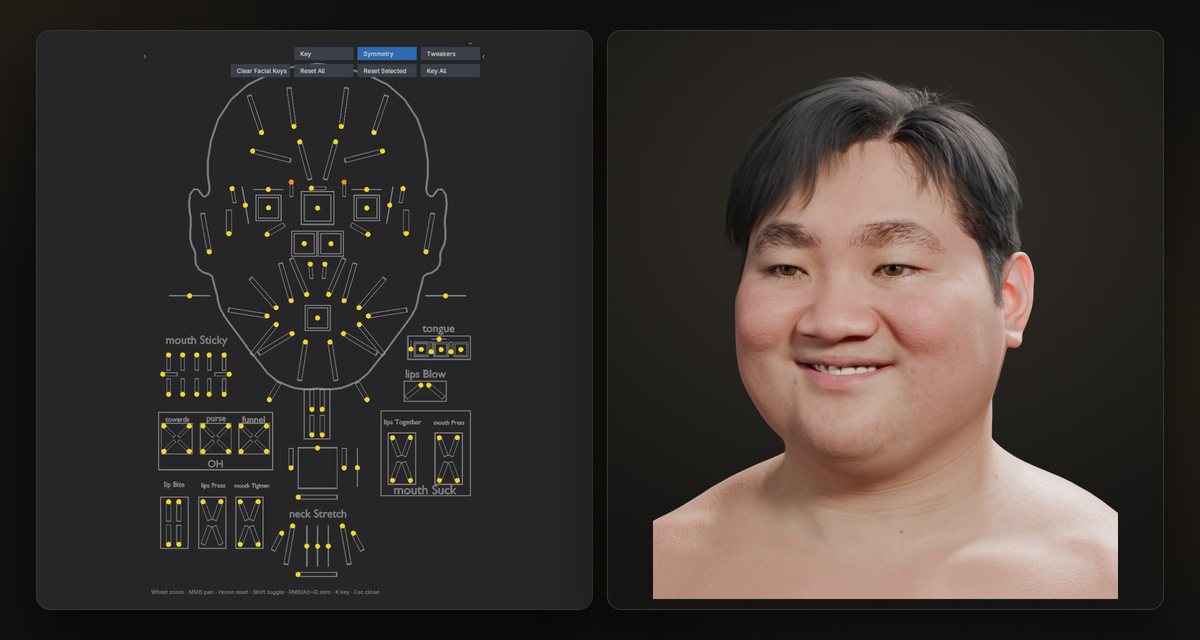
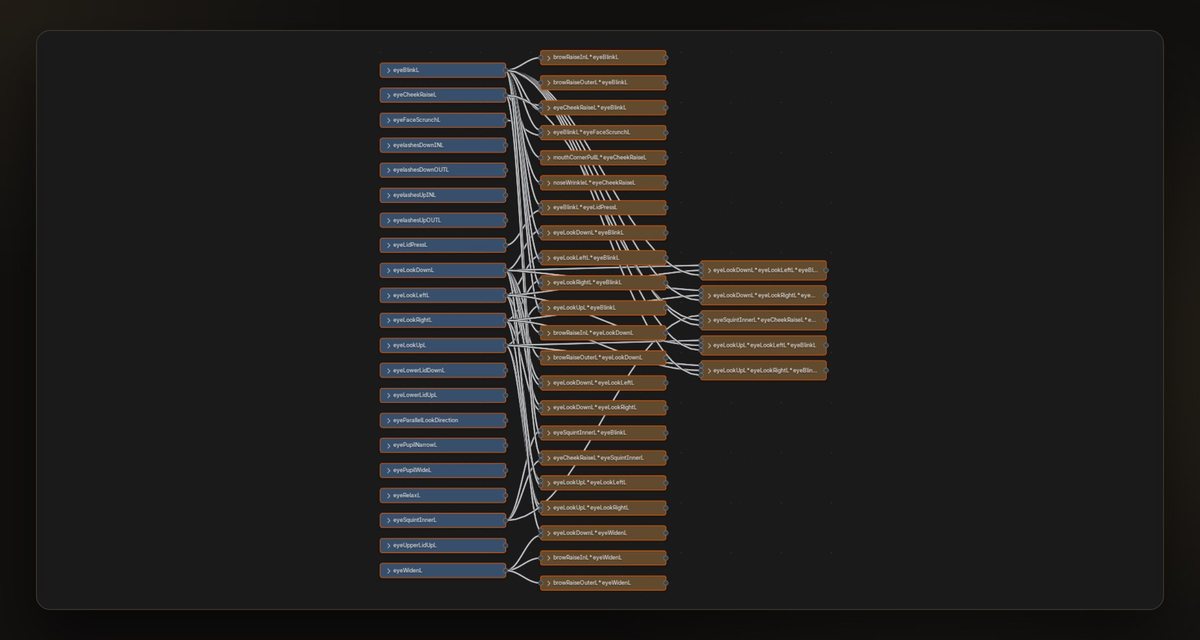
Yes. Epic's RigLogic evaluates the MetaHuman face rig in Blender. AlphaHuman Studio also provides a body control rig, a face board, a body picker and tools to edit expressions and export DNA.
How is Pro different?
Pro adds scan wrapping, high-detail sculpting, wrinkle maps, cloth and hair dynamics, skin contact and jiggle, Live Link Face, a live link to Unreal and tools for a cast, wardrobe and animation library. Pro is in Early Access; see the feature comparison.
What does Early Access mean for Pro?
Pro is ready for real work and still growing. Buy it now for $99 and every update up to and including 1.x is yours at no extra cost; the price rises when Pro reaches 1.0, and yours does not. Features may still change while it grows, so keep backups. Early Access is for individuals; the Studio licence for companies comes after it. See the Pro page.
Is Standard free?
Standard is free for two months from the day you sign up for an Alpha Studio account, for personal, non-commercial use, with updates included during that period. To keep it, or for commercial work, buy it: Individual $49, or Studio $149 a seat for a company with US$100,000 or more in yearly revenue. The free Unreal companion is available separately on Fab.
Can I take my work back to Unreal?
Standard can write an edited MetaHuman DNA and export Control Rig or Skeleton FBX animation for Unreal. Pro adds a live animation link from Blender to Unreal. Available export formats also include glTF and USD.
 ALPHA STUDIO
 BLENDER EXTENSION